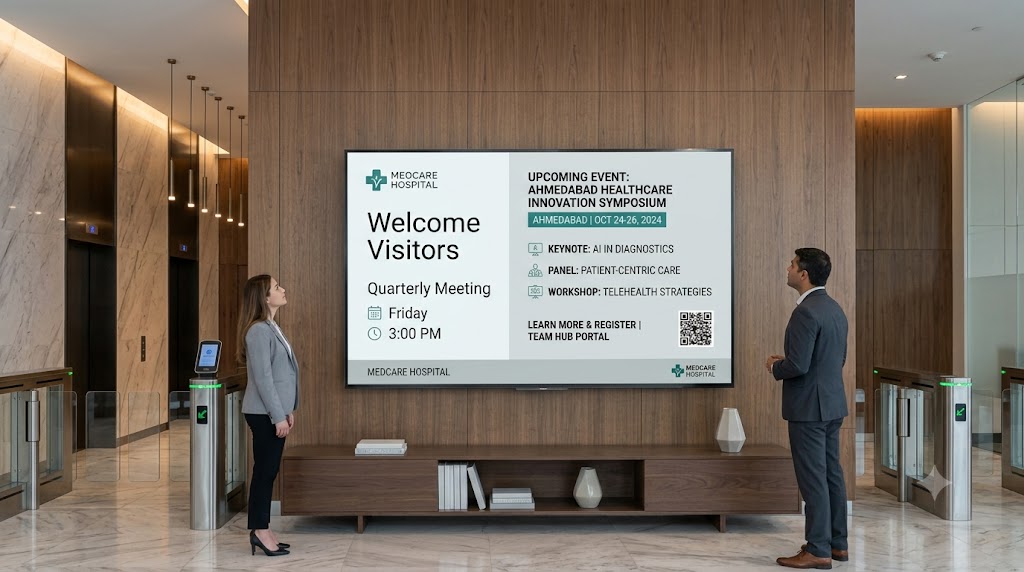
When choosing digital signage software, business owners face a dilemma: Should you choose cloud-based remote control for convenience, or local offline storage for security and internet independence?
With Loco Digital Signage, you don't have to choose. Loco provides a hybrid architecture: remote cloud publishing from anywhere in the world combined with offline local caching and LAN transfer so your screens never drop out when the internet fails.
Want Both Cloud & Offline Power?
Install Loco on your Smart TVs and phone. Pair via QR code and launch your displays in 3 minutes.
Start Free Trial — No Credit Card NeededCloud Signage vs. Offline Signage Comparison
| Feature | Cloud-Only Signage | Offline-Only USB | Loco Digital Signage |
|---|---|---|---|
| Remote Control from Anywhere | Yes | No | Yes (Cloud) |
| Plays During Internet Outages | Risks Black Screen | Yes | Yes (Local Cache) |
| Local LAN Transfer (Private WiFi) | No | Manual USB | Yes (Local Mode) |
| Order Token Queue Calling | Rare | No | Yes (Built-in) |
| Show URL / Live Web Pages | Sometimes | No | Yes |
| Display PDF Documents | Sometimes | Manual upload | Yes |
| Large Text Display | Rare | No | Yes (Built-in) |
| 500+ Canva Templates | No | No | Yes (Included) |
| Content Scheduling | Yes | No | Yes |
| Multi-Zone Split Screen | Sometimes | No | Yes (Built-in) |
| QR Code Pairing Setup | Complex | No | Instant (10 sec) |
Which Businesses Need Hybrid (Cloud + Offline)?
- Restaurants — Menu boards must stay live even during WiFi drops
- Hospitals & Clinics — Patient queue must never black out
- Retail Stores — Remote promo updates + offline resilience
- Hotels — Lobby screens can't afford downtime
- Corporate Offices — Security-restricted LAN subnets
- Schools & Campuses — Large sites with patchy WiFi coverage
How to Set Up Loco's Hybrid Signage
Install Apps
Search for Loco Digital Signage Player on your TVs, and download Loco Digital Signage on your phone.
Pair Devices
Open Loco on your TV. Scan the on-screen QR Code with your phone camera or enter the 6-digit Connection Code to link instantly. View our pairing guide.
Publish Live
Upload images, videos, or digital menus in the app and tap publish! Your screens update automatically in real-time.
Explore Related Guides
Try Loco Digital Signage Free Today!
Set up your business TV screens in minutes with cloud control and offline reliability. Experience Loco Digital Signage completely free.
Free trial available • No credit card required • Instant QR pairing