Digital Signage. Managed From Anywhere.
Create, schedule and publish content to your business screens from your phone or web dashboard — wherever you are.
Manage promotions, menus, videos, slideshows, announcements, tokens and more across one or multiple screens.
Your Screens. Your Control. Anywhere.
Your business doesn't stop when you leave the store. Neither should your digital signage.
With Loco, manage your screens remotely from your phone or web dashboard — update promotions, change menus, publish videos, schedule campaigns or update multiple locations without being physically at the screen.
Remote Updates
Update your screen content from anywhere with an internet connection — no need to visit the location.
Multiple Screens
Manage one screen or hundreds of screens from a single centralized account — all in one place.
Multiple Locations
Control screens across different stores, branches or offices — all from one account, anywhere.
Instant Publishing
Publish new content and updates to connected screens remotely — promotions go live in seconds.
Digital Signage for Every Industry
Loco digital signage software is optimized to power smart displays in key operational environments.
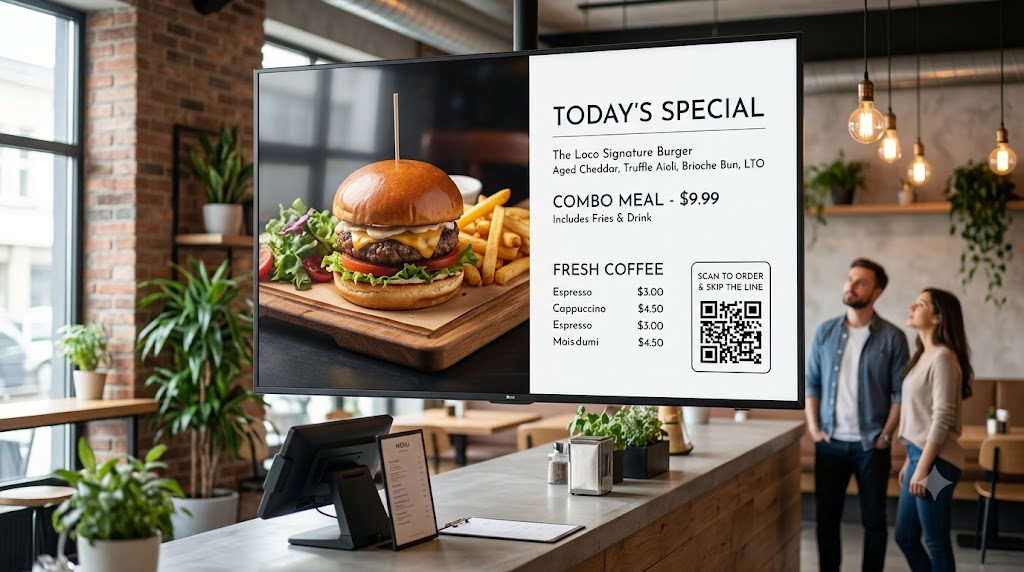
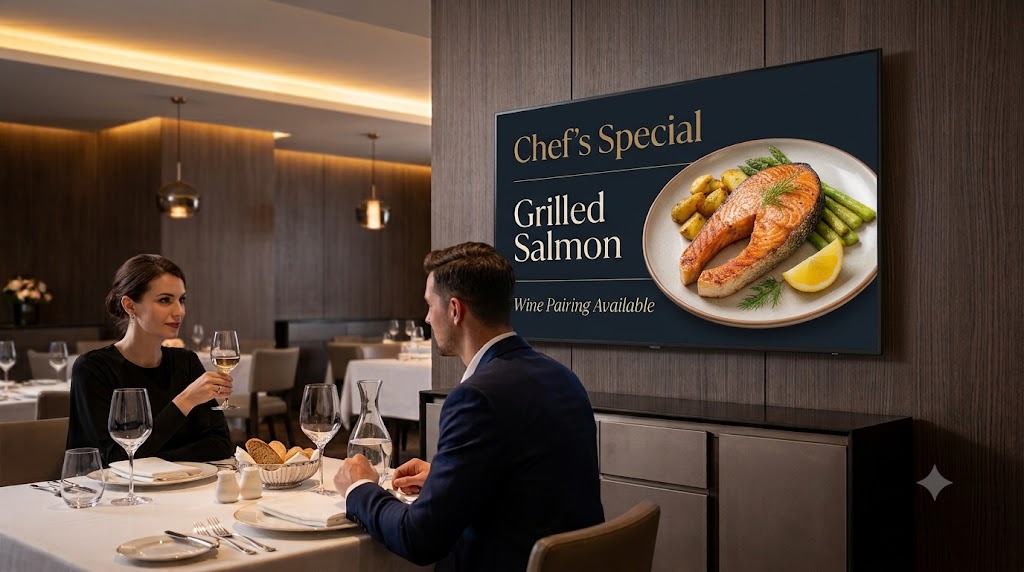
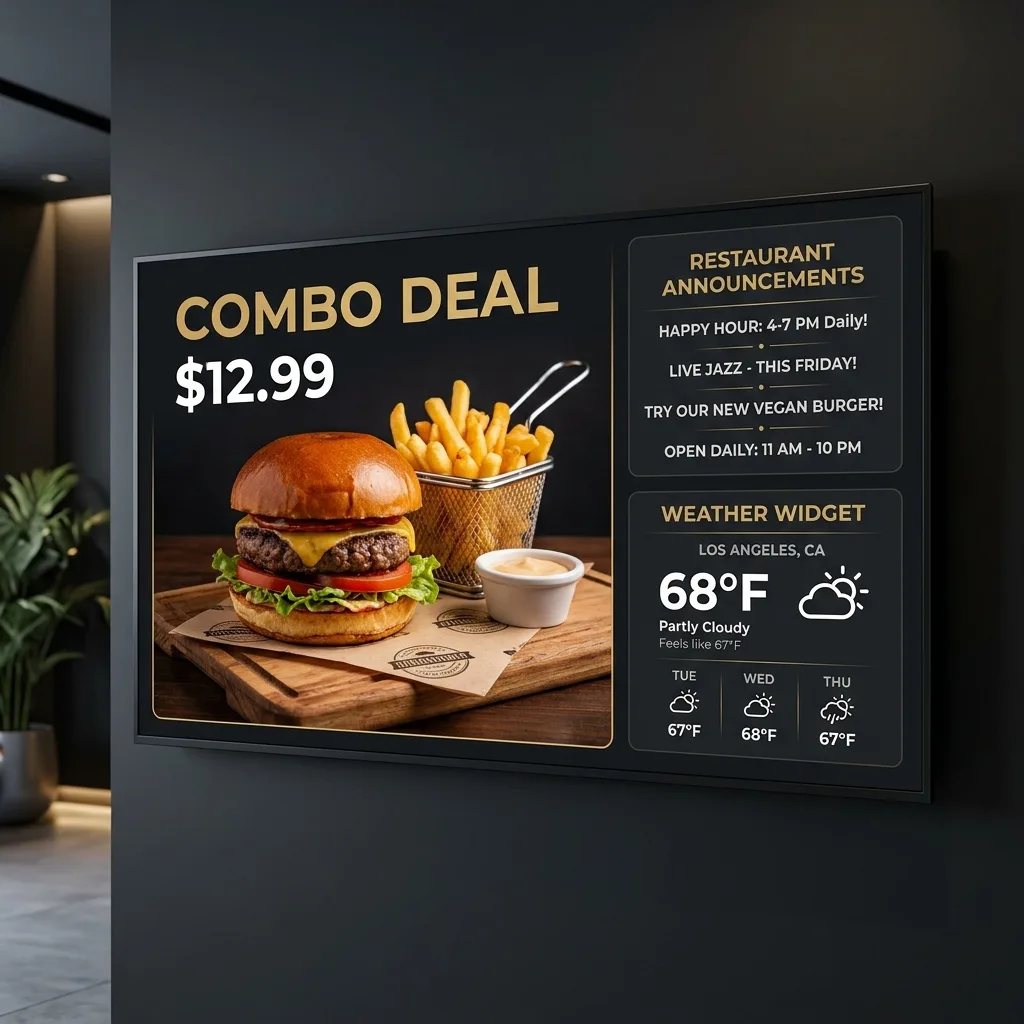
Android TV Digital Menu Boards for Restaurants & Cafés
Replace expensive blackboard updates and static paper prints. Push restaurant digital menu boards, daily specials, combos, and appetite-inducing food video signage loops to digital signage display panels remotely from your phone — update menus from anywhere, anytime.
- Update menu prices and item availability remotely from your phone — instantly.
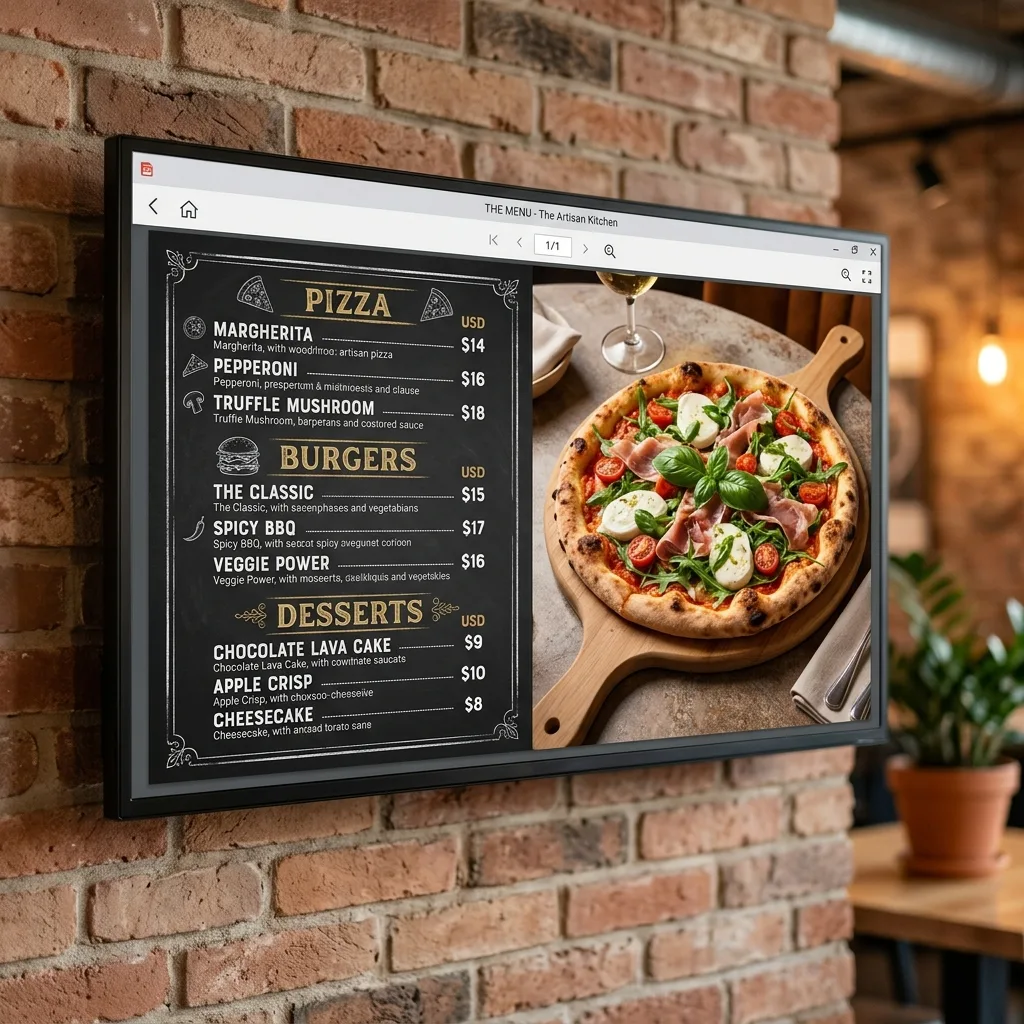
- Display content in full-resolution PDF menu layouts without quality loss.
- Schedule daily specials, combos and promotions to publish automatically.
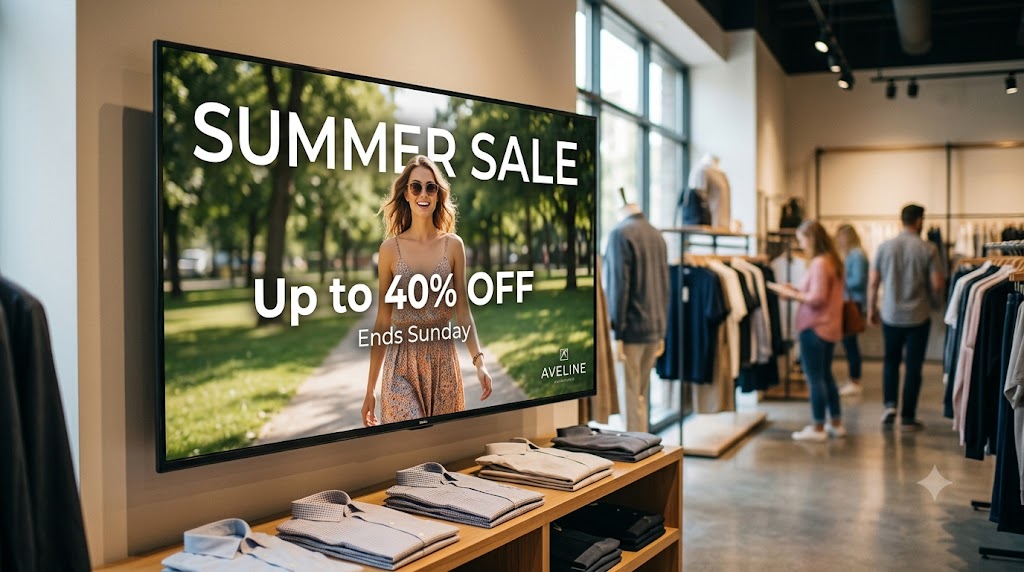
Retail Digital Signage Software for High-Converting Promotional Displays
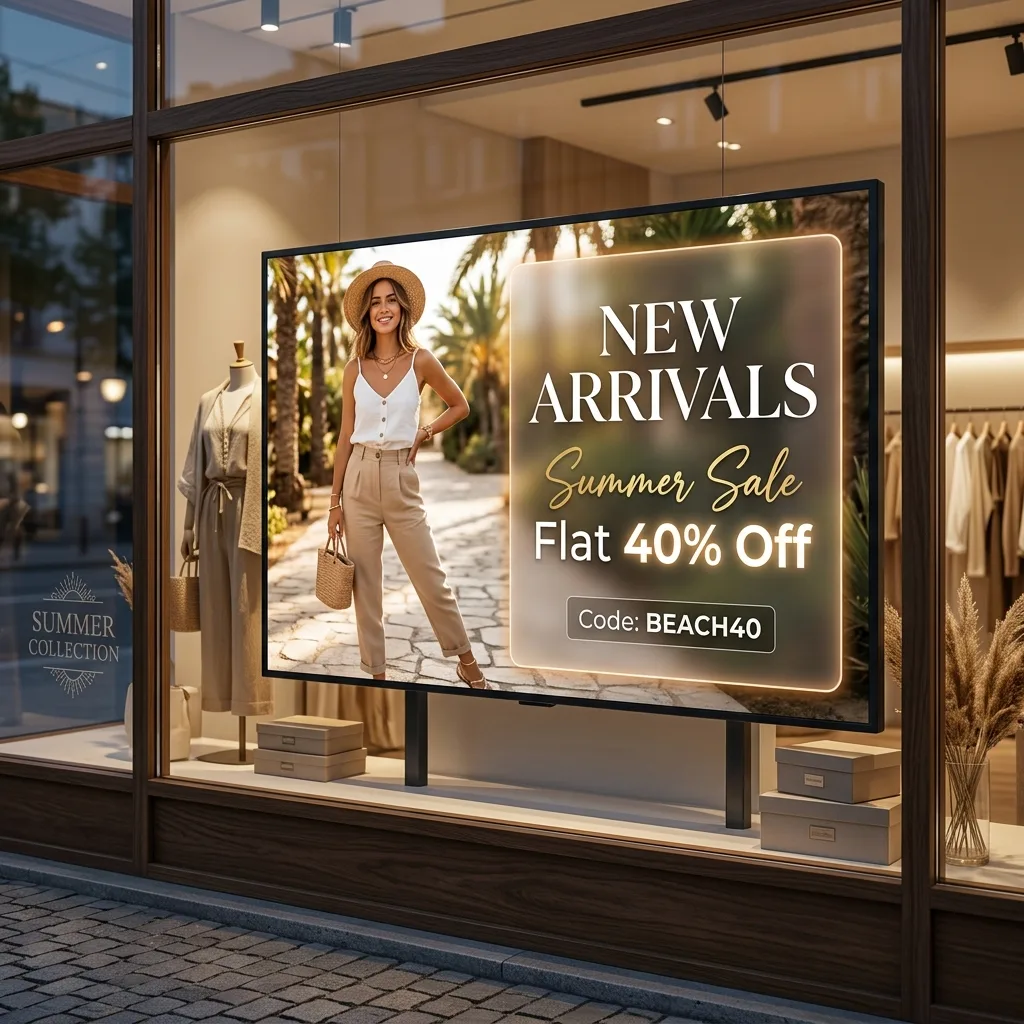
Turn window-facing screens into retail digital signage displays. Display content like seasonal product discounts, QR codes, and slideshows of limited-time offers to capture walking shoppers' attention.
- Update promotions and product highlights remotely from anywhere — no store visit needed.
- Schedule playlists and slideshows to auto-rotate seasonal promotions automatically.
- Synced content continues playing reliably even during temporary internet outages.
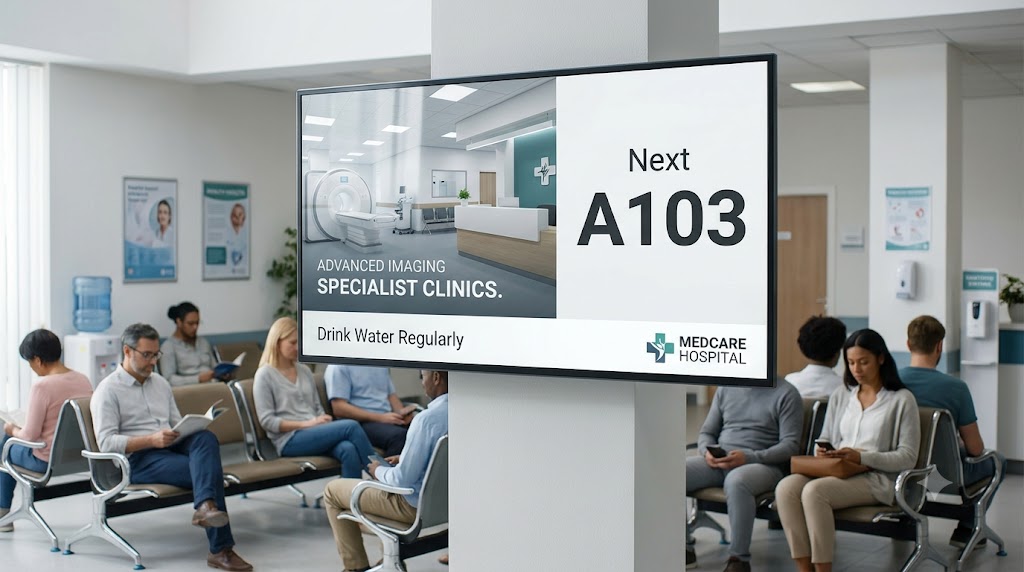
Clinic Waiting Room Displays and Health Announcement Digital Signage
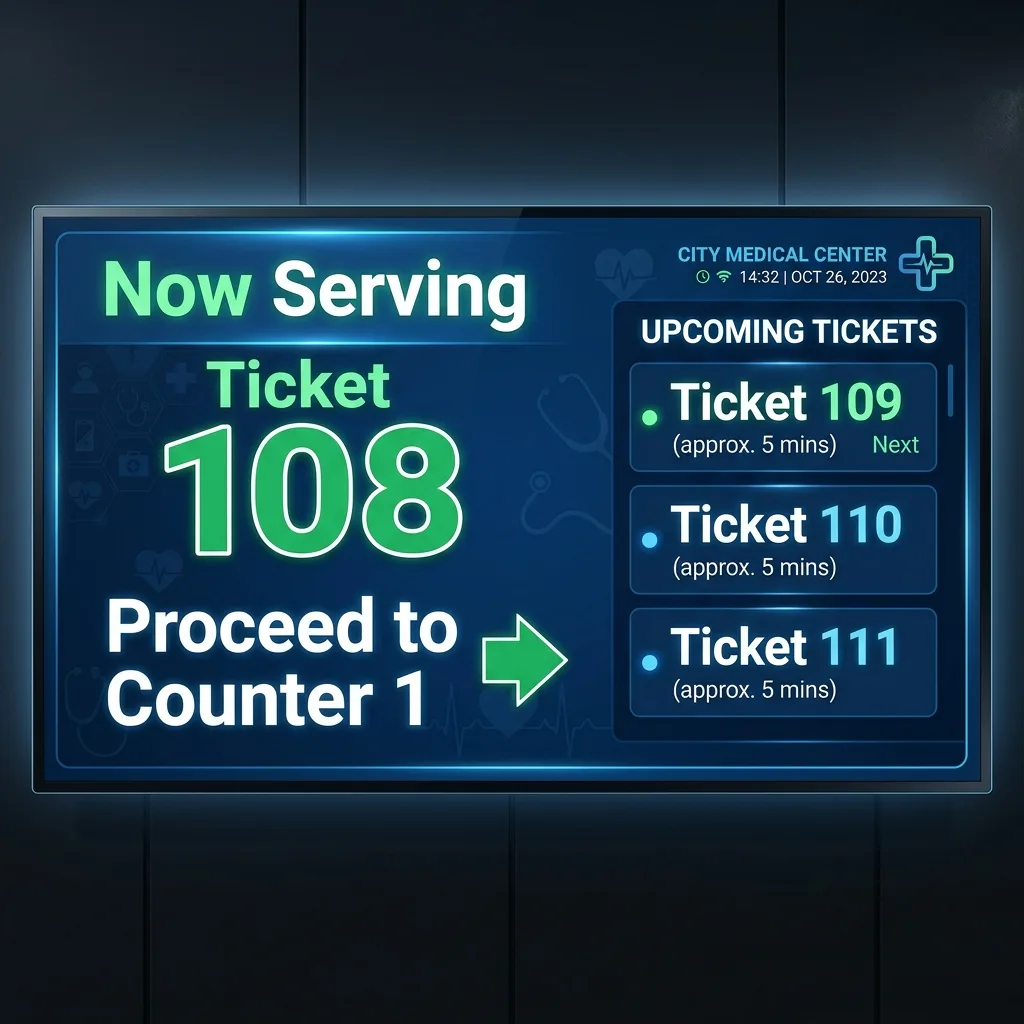
Reduce perceived waiting times with clinic waiting room display screens. Display content like queuing numbers, clinic check-in instructions, doctor schedules, and wellness guidelines side-by-side.
- Update queue numbers and token displays remotely from the reception desk or mobile app.
- Display health tips and notices to engage and inform clinic visitors.
- Supports local WiFi mode for secure medical intranet environments.
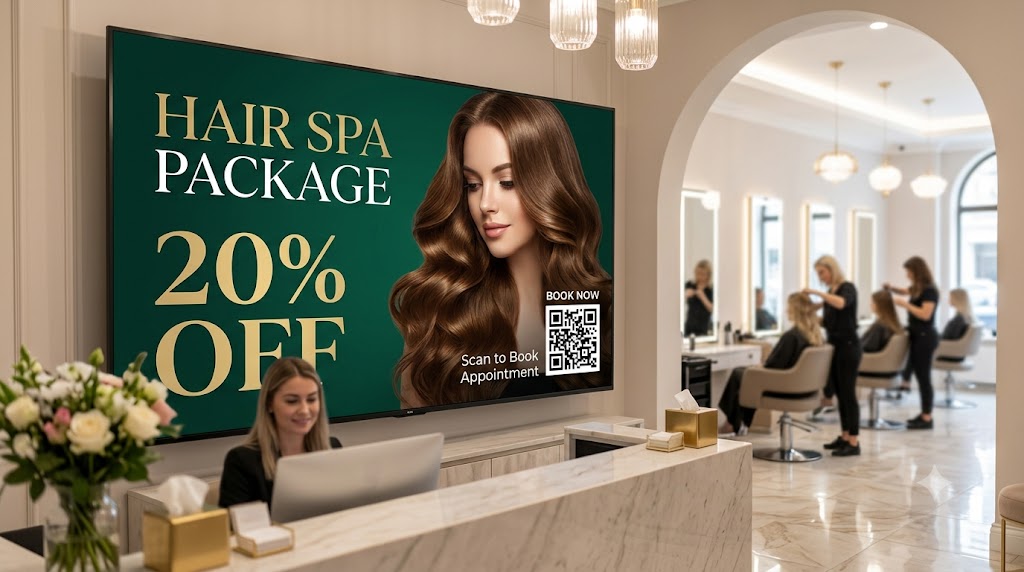
Salon Digital Signage Screens for Service Menus and Portfolios
Upsell walk-in clients waiting for treatments with dynamic salon display screens. Showcase stylist portfolios, promote high-margin service packages, and push real-time screen updates for pricing.
- Rotate stylist styling portfolios on high-contrast salon digital signage displays.
- Promote dynamic price sheets and display content for treatments and spa packages.
- Build elegant aesthetics with high-definition video signage loops.
Hotel Digital Signage for Guest Lobby Information Concierges
Display weather forecasts, check-in instructions, café displays, local maps, and event schedules on lobby digital signage display screens. Welcome premium guests using dynamic local screens.
- Maintain constant guest info digital signage displays even during hotel ISP outages.
- Let front desk managers push welcome notices in seconds from standard mobile devices.
- Showcase crisp restaurant flyers and high-definition local video signage loops.
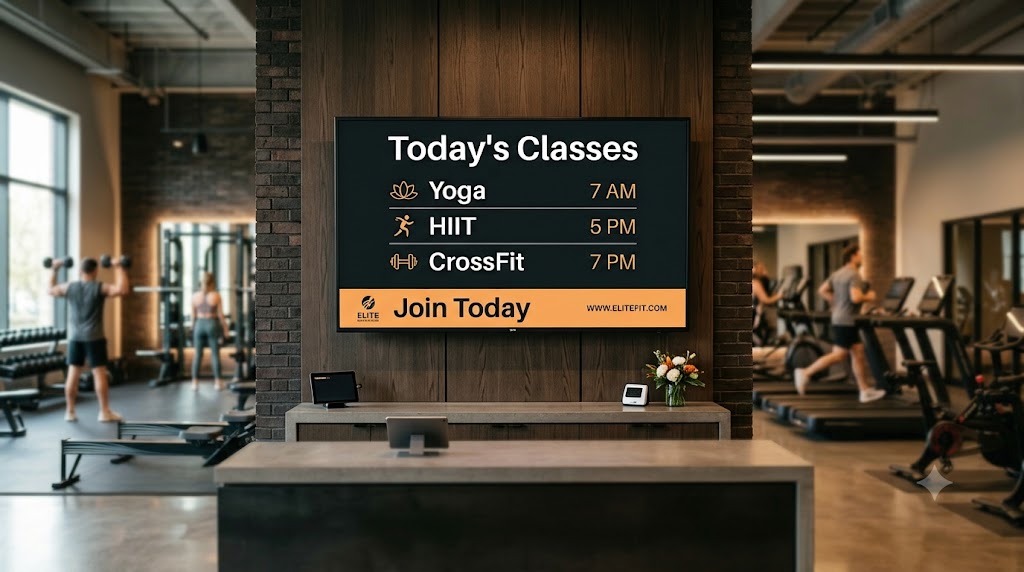
Gym Digital Signage and Class Schedule Timetables
Keep gym members motivated using high-impact gym signage displays. Display content like class timetables, trainer profiles, upcoming fitness events, and video signage loops.
- Push real-time screen updates for class calendars and gym schedules.
- Display content showing proper workout form tutorials and safety instructions.
- Spotlight trainers and run motivational member milestone playlists.
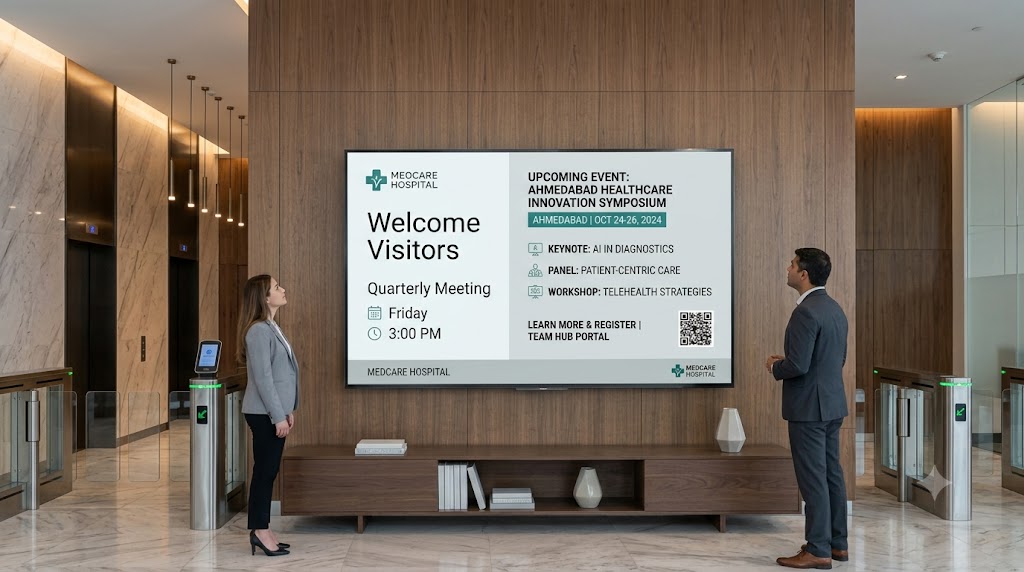
Corporate Office Digital Signage for Secure Internal Noticeboards
Broadcast internal metrics, project updates, corporate events, and greeting announcements on office digital signage displays. Isolate screen management locally to prevent data leaks.
- Manage screens across departments and office locations from one centralized account.
- Instantly push memos, slides, and emergency notices to screens remotely.
- Supports local WiFi mode for air-gapped or restricted network environments.
Android TV School Noticeboards and Campus Announcement Displays
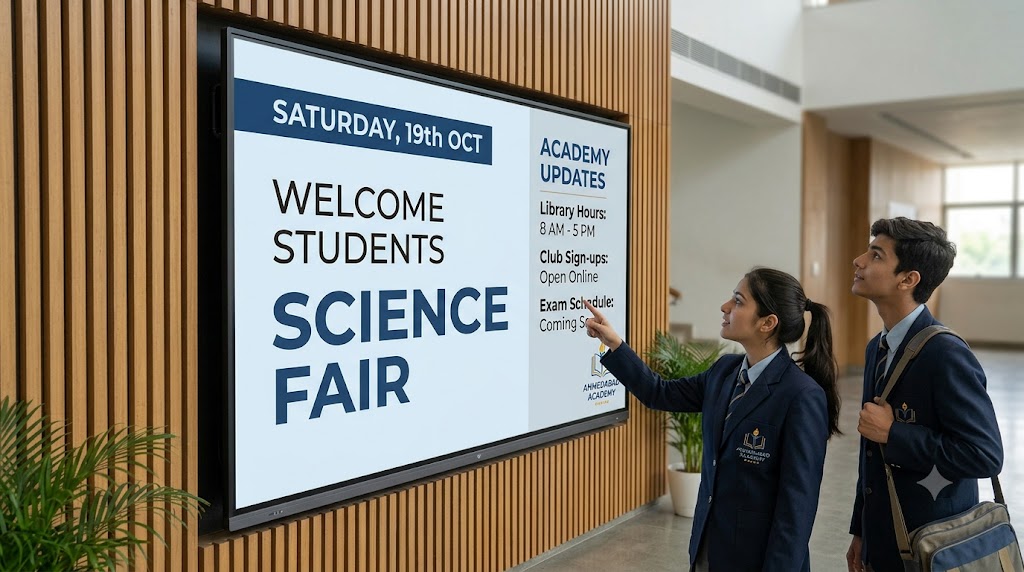
Modernize school hallways and university lobbies with Android TV digital signage noticeboards. Display content like exam calendars, class announcements, and sports event updates instantly.
- Schedule content and day-long event slideshows to rotate automatically across all screens.
- Push emergency campus notifications instantly to every screen from your phone — remotely.
- Replace traditional paper notices with clean, high-contrast digital signage displays.
Canva-Ready Designs for Your Screens
Unlock access to our exclusive library of over 500+ professionally designed, Canva-ready templates. Customize menus, promotions, schedules, and bulletins in Canva with your own branding, and cast them to your screens instantly.
Everything You Need to Run Better Business Screens
A complete cloud digital signage platform — manage your screens remotely and display the right content at the right time, automatically.
Multi-Zone Layouts
Display content in multiple zones—combine slideshows, promotional content, video signage, and digital menu boards simultaneously on a single split screen display.
Manage Order/Token
Easily create, update, and display order or token numbers in real-time content updates on your Android TV digital signage.
Personalised Slideshows
Create and display custom image slideshows tailored to your business promotions, ready-made templates, and brand styling.
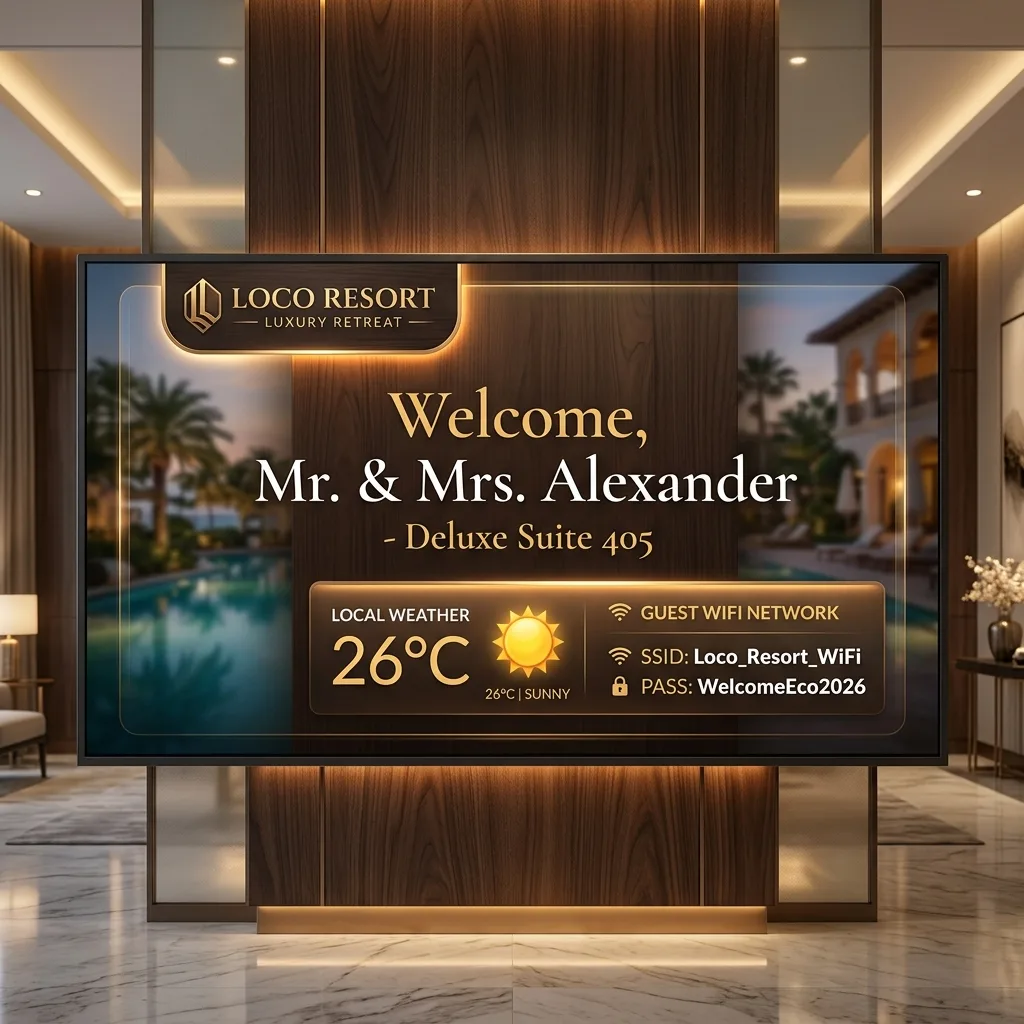
Welcome Guests
Display guest greeting photos, a personalized welcome message, WiFi credentials, and local weather details on a premium lobby screen.
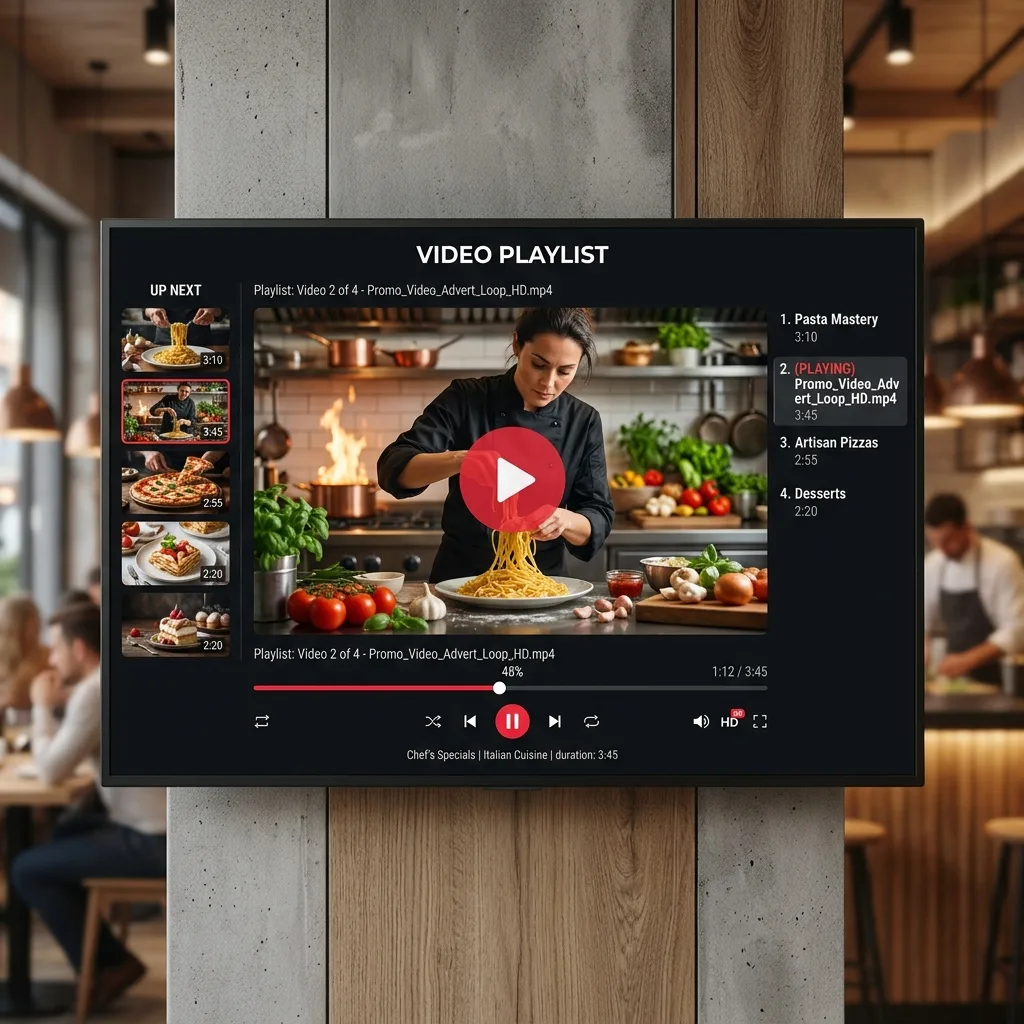
Loop Multiple Videos
Play multiple promotional videos and video signage files in a continuous, seamless loop playlist.
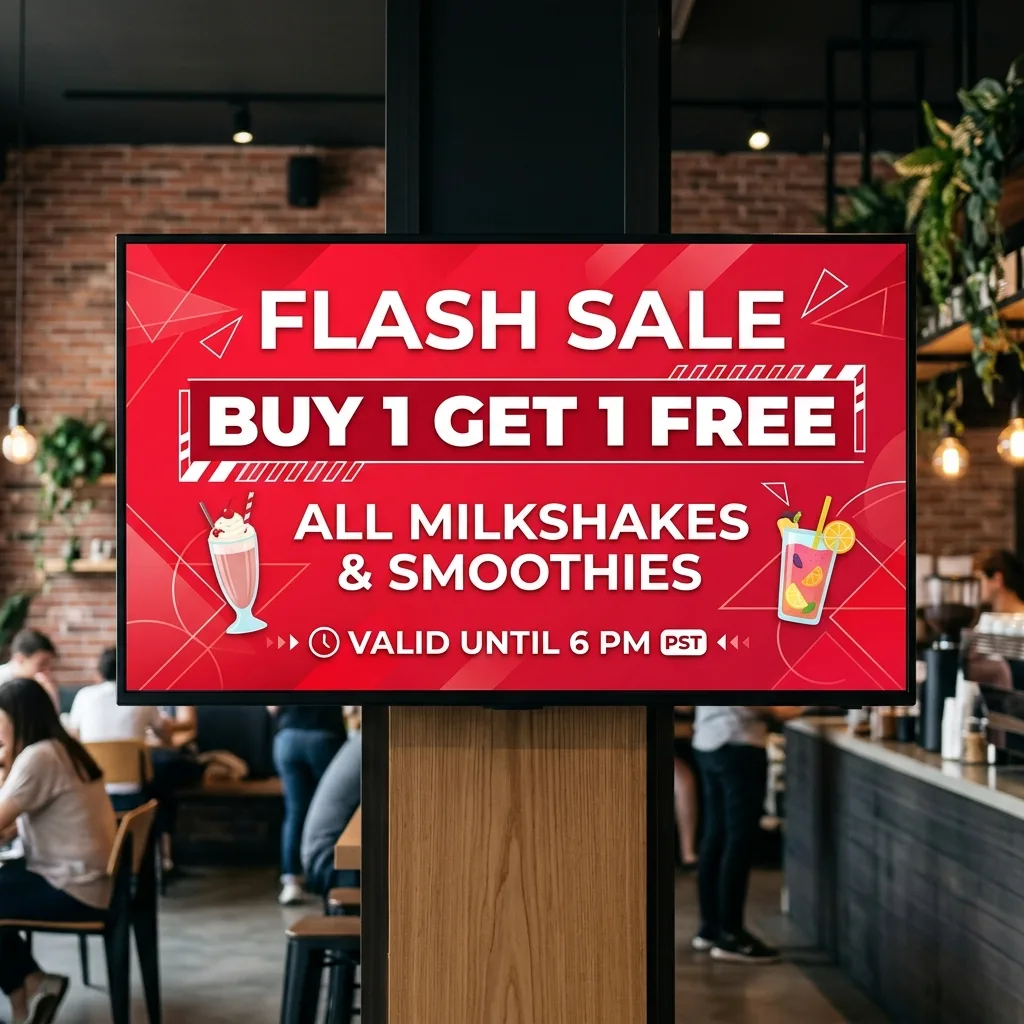
Large Text Display
Display bold, high-visibility announcements, retail discounts, or dynamic text overlays for quick screen management notifications.
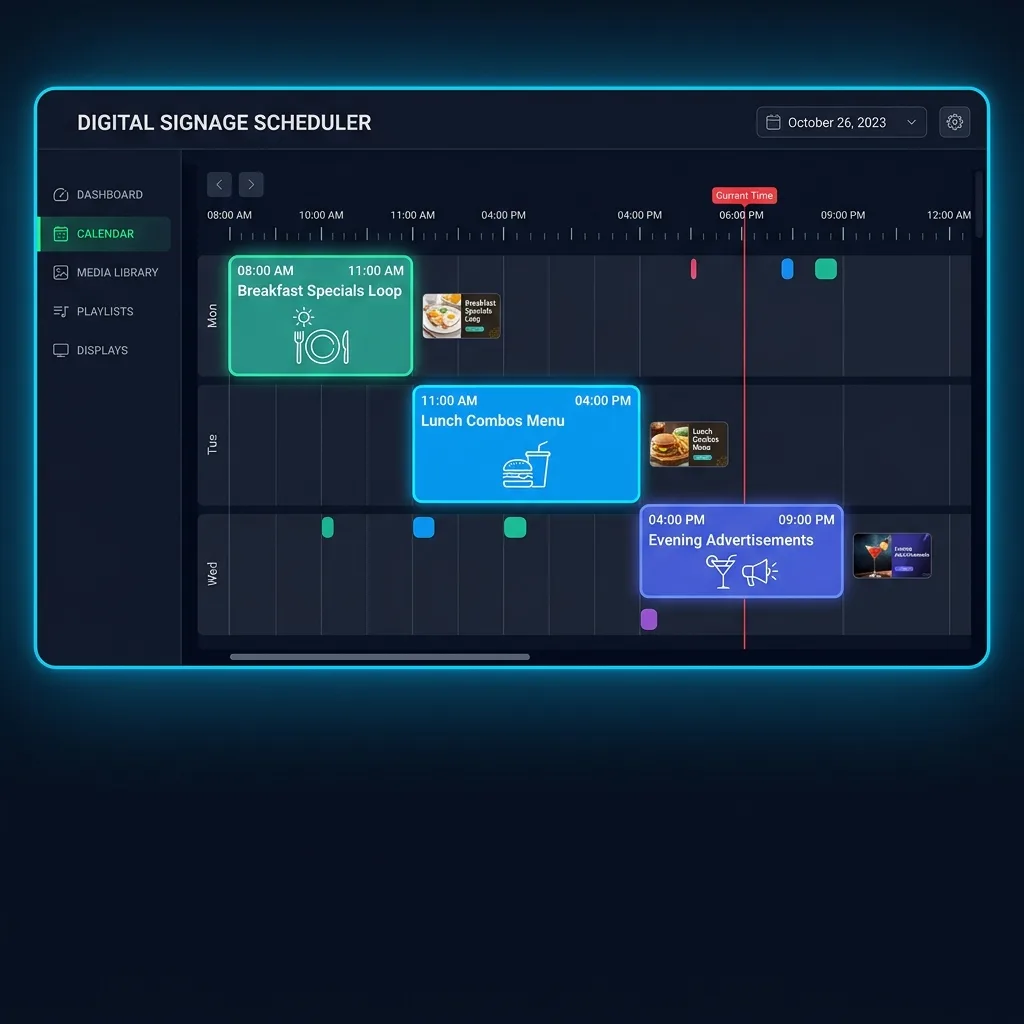
Schedule Photo & Video
Automatically schedule content playlists and slideshows to display on screens at specific times of the day.
Show URL on Screen
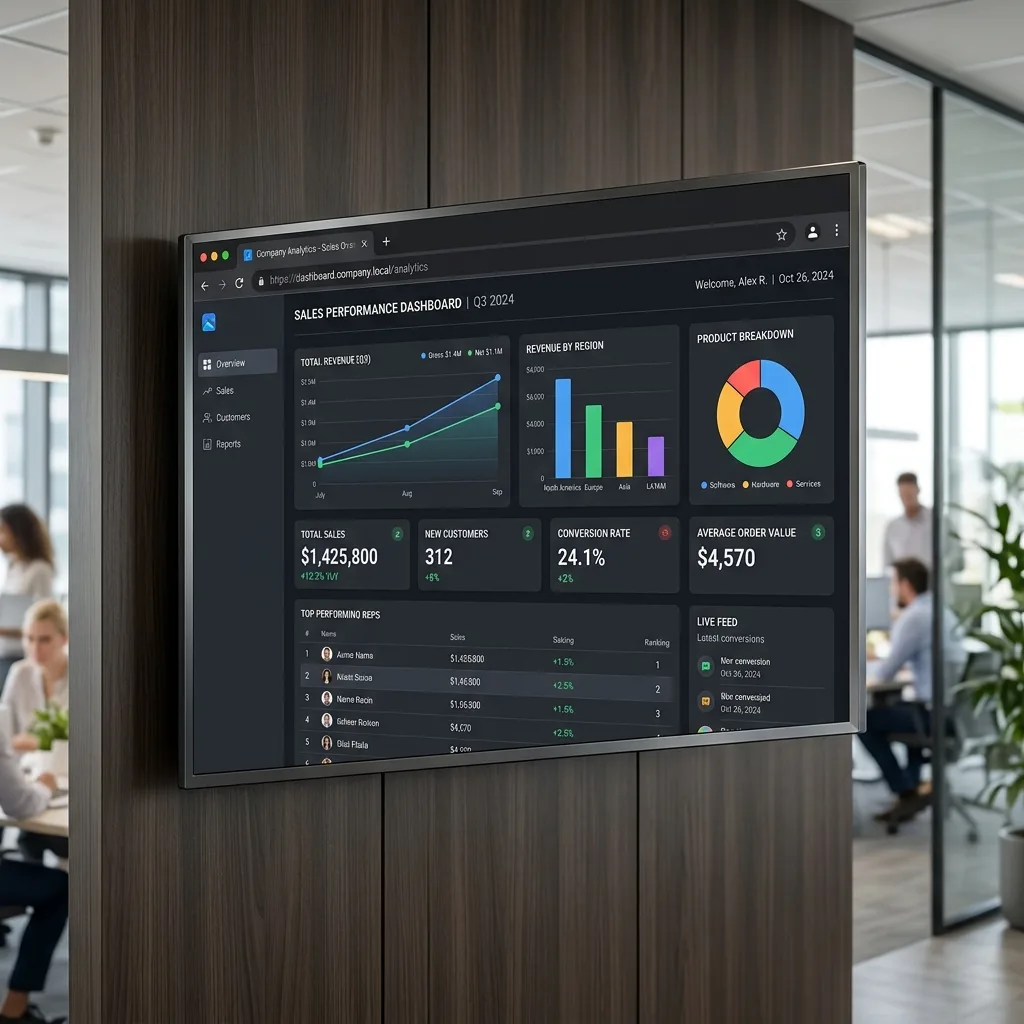
Display any dashboard, web page, or live analytical URL directly on your TV display with real-time screen updates.
Display PDF on Screen
Display PDF documents clearly on your smart TV screen for digital menu boards, price lists, or brochures.
Your Screen Can Do More Than Play Videos.
Turn your existing TV screens into powerful business tools. Every screen is a managed asset in your cloud account.
Promote More
Highlight offers, combos, memberships and new products on your screens — updated remotely anytime.
Sell Smarter
Put your highest-value products and services in front of customers with dynamic, eye-catching displays.
Inform Customers
Display menus, announcements, schedules and important information — always current, always on screen.
Reduce Manual Work
Schedule content and manage screens remotely instead of updating them manually — save time every day.
Manage Multiple Locations
Keep your brand consistent while giving each store or branch its own content — managed from one account.
Reliable During Outages
Previously synced content keeps playing on screen even if the internet temporarily goes down — no blackouts.
The Smarter Way to Manage Business Screens
Traditional Digital Signage
- ✗Complicated hardware setup
- ✗Manual screen updates — must be on-site
- ✗Hard to manage multiple locations
- ✗Physical access to the screen often required
- ✗No remote scheduling or automation
Loco Digital Signage
- ✓Manage from anywhere — phone or web dashboard
- ✓Mobile + Web remote control
- ✓One account for multiple screens and locations
- ✓Multi-location management from anywhere
- ✓Automatic scheduling & smart publishing
- ✓Offline playback reliability — screens keep running
Cloud-Powered. Offline-Capable.
Loco is built for remote-first management. Your screens also stay reliable even when the internet temporarily drops.
Manage From Anywhere
Use the Loco mobile app or web dashboard to manage your screens remotely — from any location with internet.
Content Syncs Automatically
Your selected content is delivered to the screen and stored locally for smooth, reliable playback.
Keep Playing During Outages
If the internet temporarily goes down, previously synced content continues playing on the screen — no interruption.
Simple, Transparent Digital Signage Pricing
Cloud-powered digital signage with remote screen management included. No hidden setup fees or bandwidth penalties.
Free Trial
No Credit Card Required
- All Pro Features Included
- Limited to 2 Screens
Pro Plan
For retail shops & restaurants
- 2 Extra Users Per Screen
- Images & Video Playback
- Media Loop & Slideshow
- Split-screen / Multi-zone Layouts
- Token / Queue Management
- Content Scheduling
- Large Text Display
- Canva-Ready Business Templates
- Multi-screen Broadcast
Enterprise
For hotels & corporate offices
- Multi-location screen management
- Centralized multi-screen dashboard
- White-label branding options
- Local WiFi mode for restricted networks
- Dedicated 24/7 priority support
All plans include cloud-powered remote screen management. Manage your connected screens from your phone or web dashboard without needing to be physically present at the location.
Manage Your Screens From Anywhere
Install the Loco mobile app to control your screens remotely, or use the web dashboard for convenient management from your computer.
Mobile App — Manage Screens Remotely
Manage screens, publish content, schedule campaigns and update promotions from your phone — from anywhere with an internet connection.

TV Player — Displays Your Synced Content
Install the Loco player on your TV. It runs natively on Android TV, Fire TV, Apple TV and Google TV. Pair once with a QR code — then manage all content remotely from your phone or web dashboard.
Android TV / Google TV

Fire TV Stick / Cube
Need Local Network Management?
Loco also supports local WiFi management for businesses that prefer to manage screens within their local network — useful for restricted environments, medical intranets, or air-gapped setups.
Cloud management is the standard experience. Local WiFi mode is an additional option when you need it.